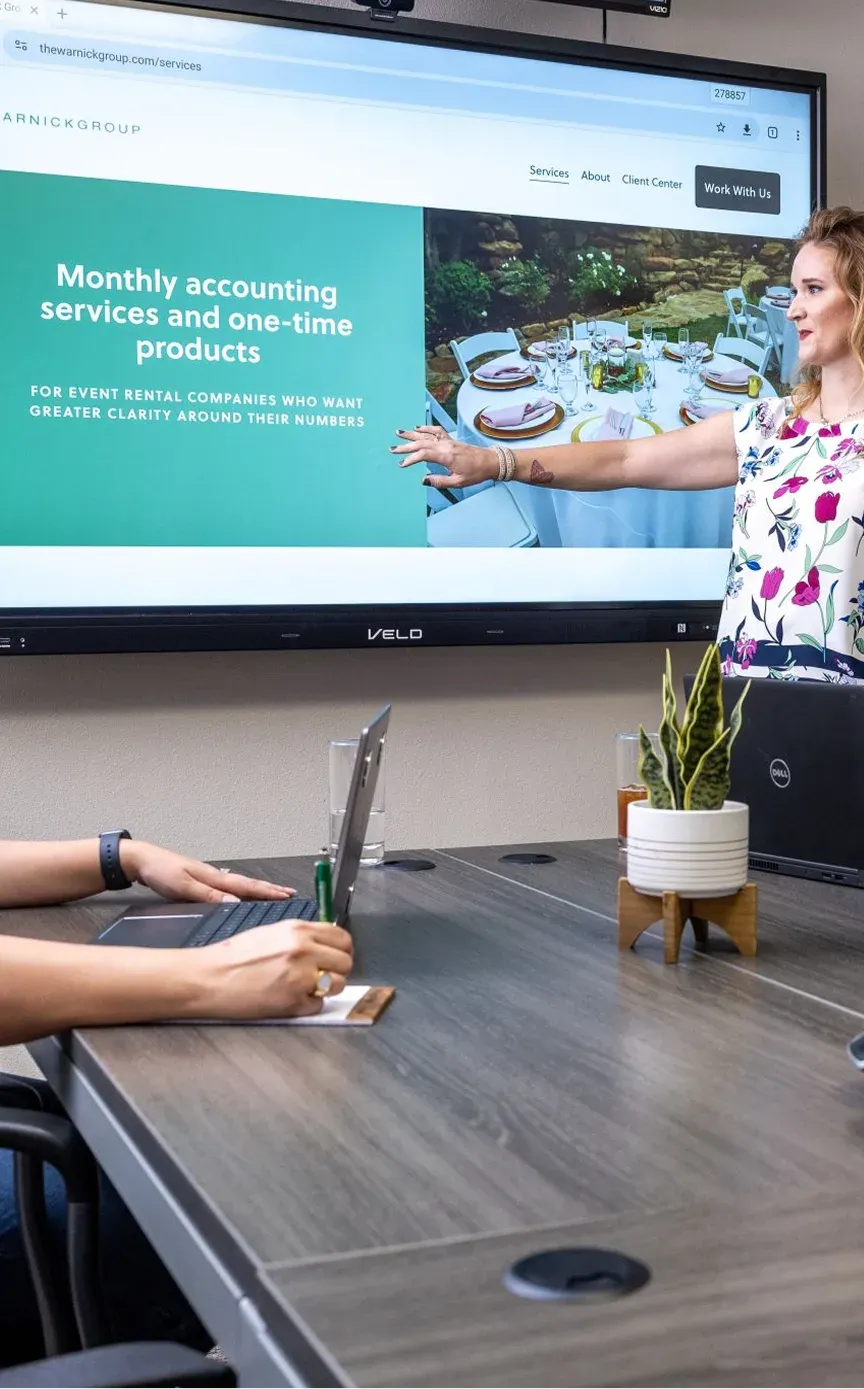
Finish the session with a digital copy of the ideas you worked through.
Write, add images, and map out next steps on Veld’s 75-inch interactive board. Then save the whiteboard work and share it with the people who need it.
Tell us how you work, then choose a demo time.
75-inch interactive display · 3-year limited panel and parts warranty
- Google EDLA certifiedLicensed for Google Play, so Workspace and Microsoft 365 apps run on the board itself.
- 3-year limited warrantyLCD panel and parts, with 12 months on accessories. Terms and exclusions apply.
- 4K screen, 50 touch points8-core processor, 7H protective glass and an 8-microphone array.
- Free shipping in the USContinental United States, and most orders ship in 1 to 3 business days.



The work on the board becomes a file you can take away.
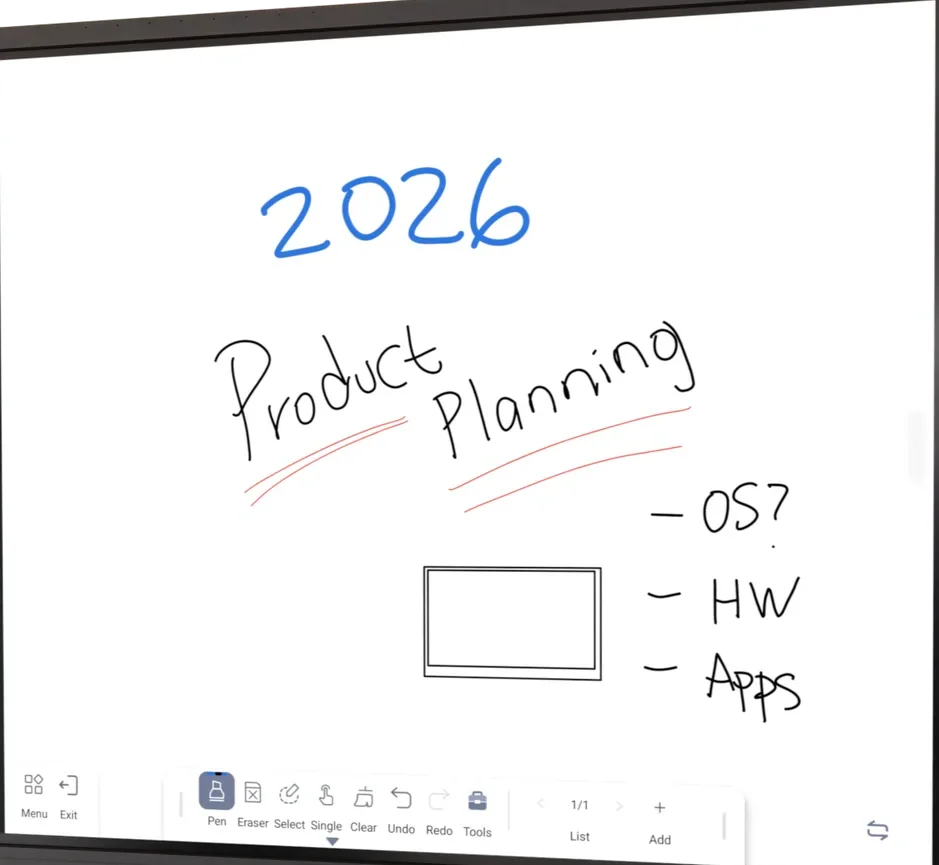
Create it during the conversation. Keep it when you’re done.
-
1
Write out the idea
Sketch a process, work through a plan, or add the next steps as you talk.
-
2
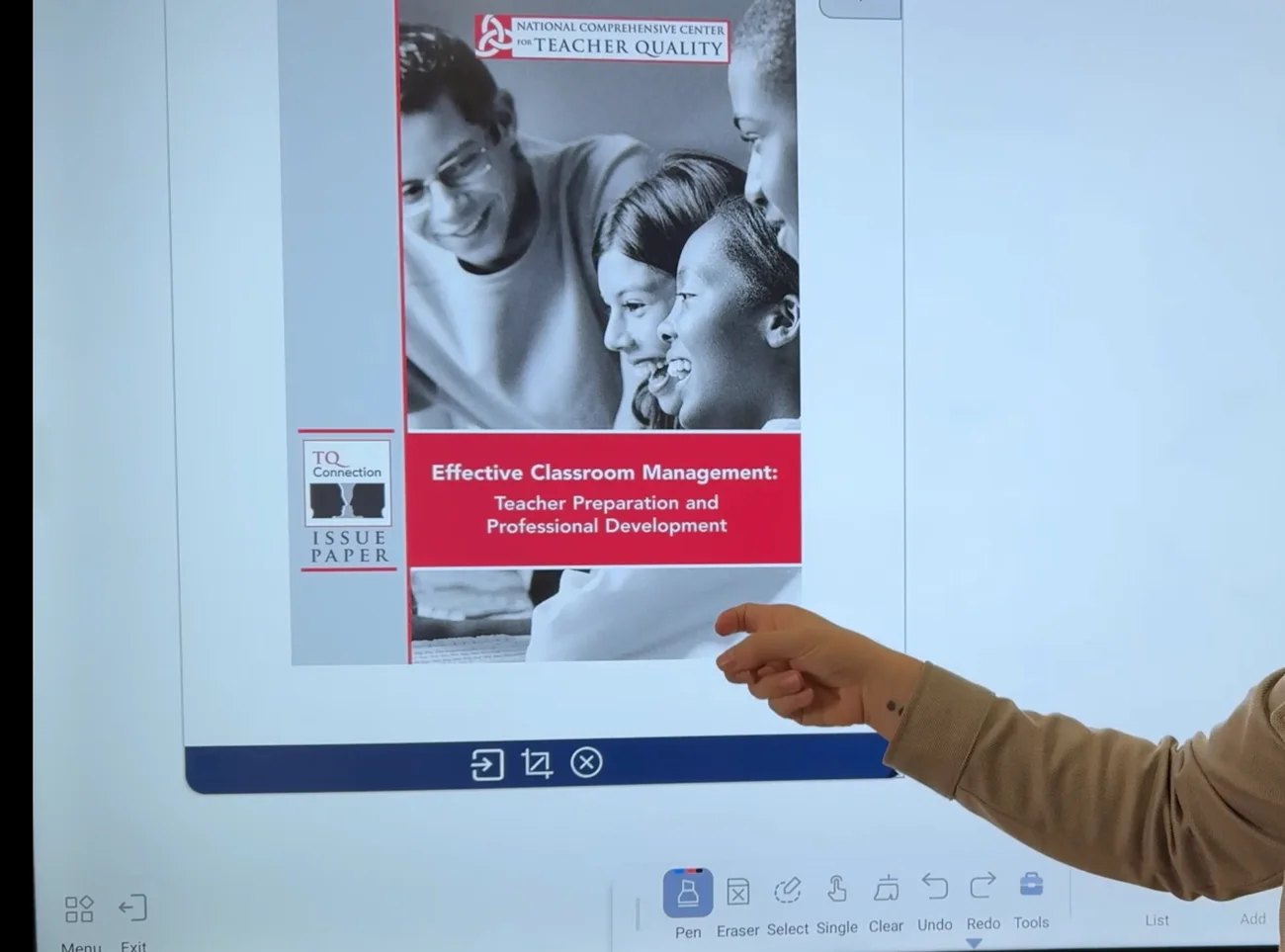
Give it the room it needs
Bring an image into the whiteboard canvas or add another page when the discussion grows.
-
3
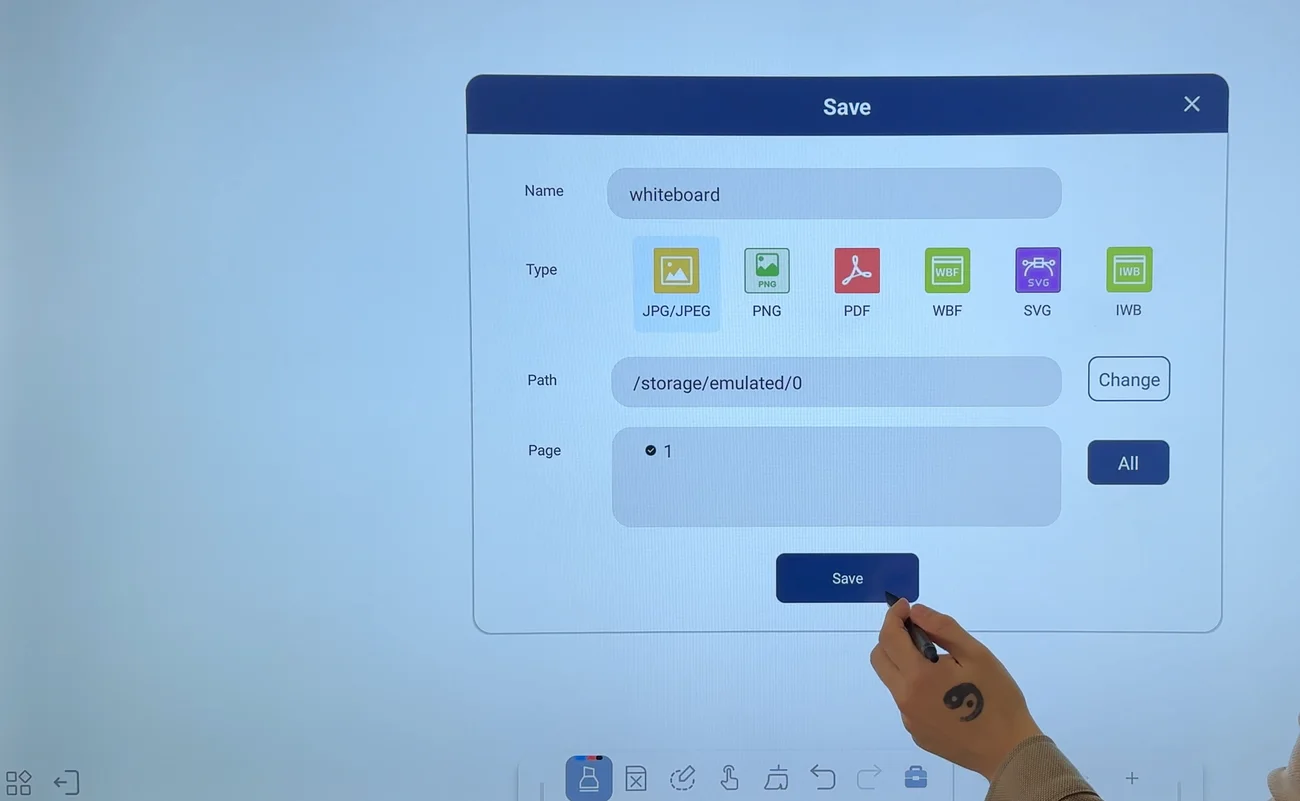
Save and share the work
Save the whiteboard work or display its sharing QR code. Scan it with your phone to receive the file, ready to send on.
Choose a screen for the work you actually do.
If you only need to show slides, a TV may be enough. If you regularly draw things out and want to keep the work, compare what happens during and after the discussion.
| Task | TV with a laptop | Dry-erase board | Veld Board |
|---|---|---|---|
| Show prepared content. | Yes. Presentations and connected software. | Not on its own. | Yes. Compatible apps or a connected laptop. |
| Write directly on the surface. | Not on a standard TV screen. | Yes, with markers. | Yes, with a stylus or your finger. |
| Keep the whiteboard work. | If the work happens in laptop software. | Take a photo before erasing. | Save the whiteboard as a digital file. |
| Receive the work on a phone. | Depends on the laptop software. | Send the photo yourself. | Scan the sharing QR code. |
Swipe the table to compare
Already considering another interactive board? Ask to see the same writing, saving, and sharing task on each one.
Teams already running Veld Boards.
Three of the organizations using Veld Board today, in their own words.
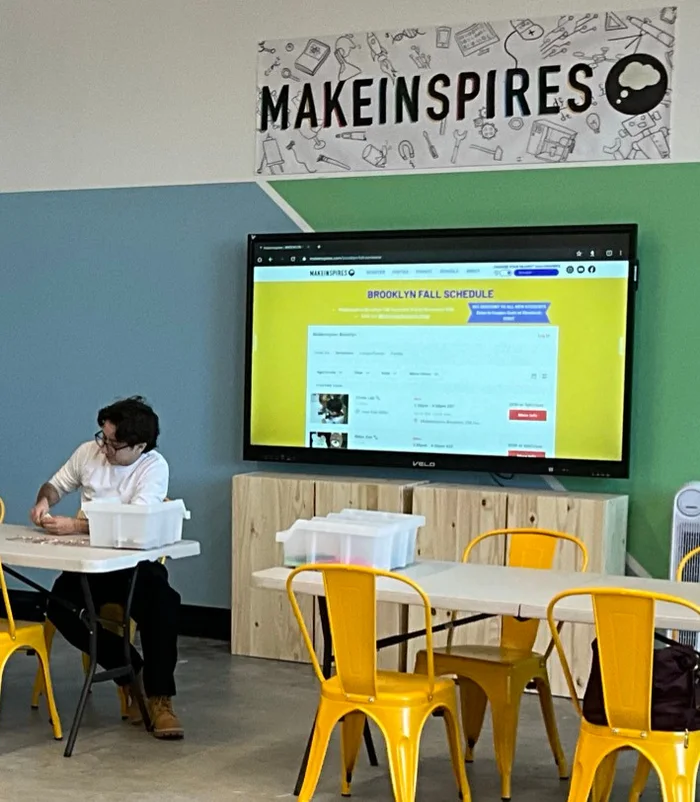
“We are very happy with how Veld Board enhances our makerspaces. We have them in all our locations and are planning on adding more as we expand. They have worked perfectly with no issues.”
“I’m really happy I chose Veld Board for our school. The features and power of the 75 inch are great.”
“The user-friendly interface and versatile connectivity tools have significantly strengthened engagement. We confidently recommend them.”
Want a reference closer to your own setup? Ask on the demo call.
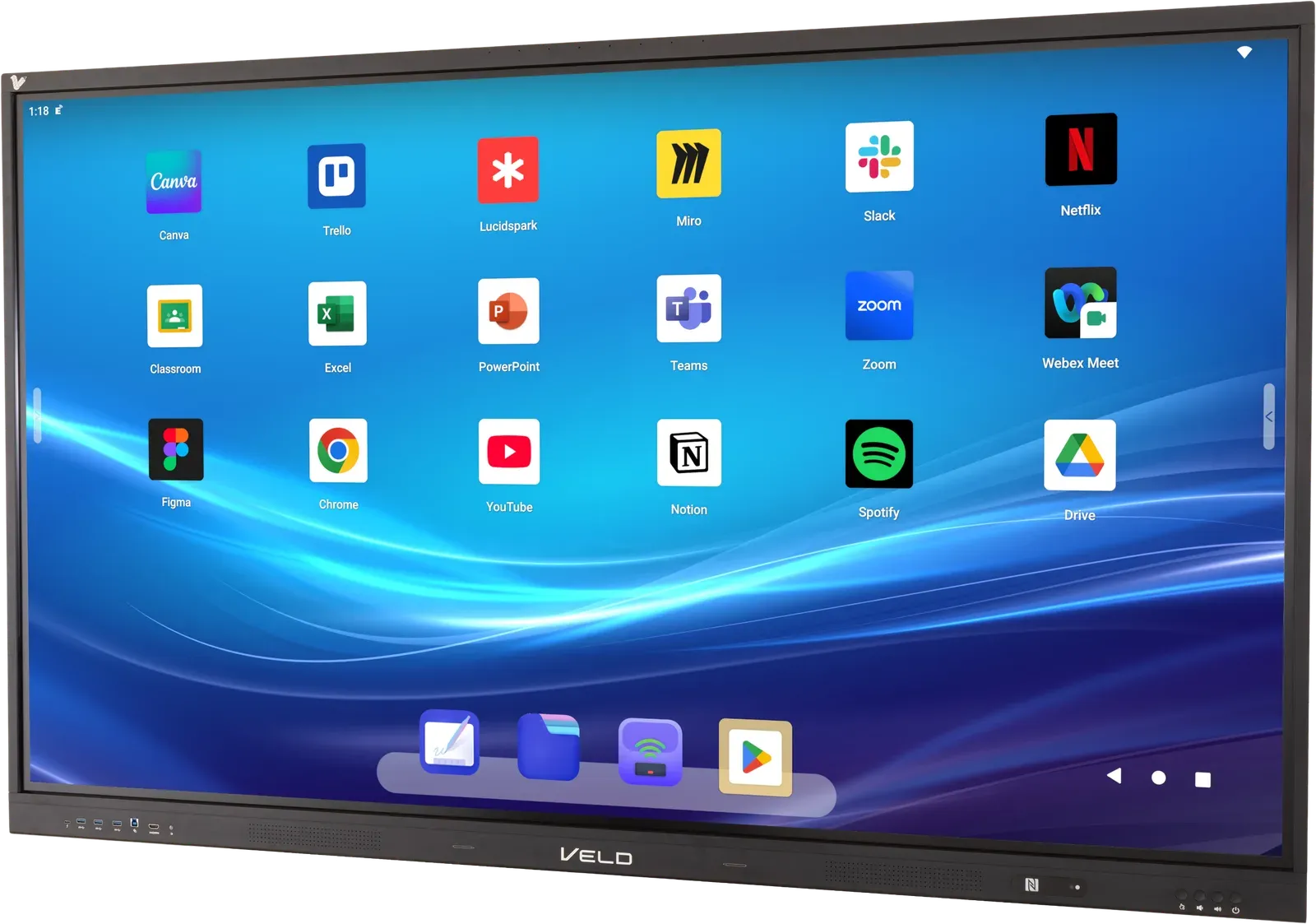
A board you can write on, with the essentials to get started.
- 75-inch interactive display.
- Two styluses and a wall mount kit included.
- Free shipping in the continental United States.
- No required Veld subscription for core board functions.
- Google Play access for compatible apps. Paid third-party apps are separate.
Warranty
Three-year limited warranty on LCD panels and parts. Accessories have separate 12-month coverage. Terms and exclusions apply.
Read the full warranty termsWe’ll discuss pricing and any setup extras during your demo and quote process.
See whether Veld fits the way you work before you buy.
Bring a task you normally explain on a whiteboard. We’ll walk through the board and discuss the space, apps, and devices you plan to use.
The application takes about a minute
- 1Your work. How you use a whiteboard and one task to demonstrate.
- 2Your space. Room, delivery location, timing and quantity.
- 3Your details. Then pick a demo time.
Prototype form. Nothing you enter here is sent or stored.
A few things to know before your demo.
Is this useful if I already have a TV or monitor?
Can I use it in a home or small office?
How do I share what I write?
Can I use my existing apps and laptop?
Can I use it for video calls?
Do I need a subscription?
What’s included, and what costs extra?
What does the warranty cover?
Bring the task you normally reach for a whiteboard to explain.
See how you could keep that work when the conversation ends. Tell us about your setup and book your Veld demo.
Short questionnaire first. Demo time next.